
On Tuesday 18th May and Thursday 20th May the readings for the day are accessed via http://www.franciscantradition.org. These are some instructions to help you access the readings.
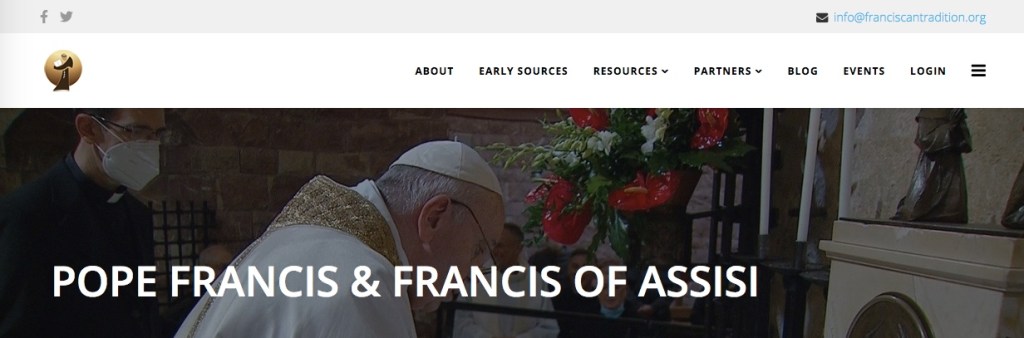
- Go to http://www.franciscantradition.org. This is what the page looks like:
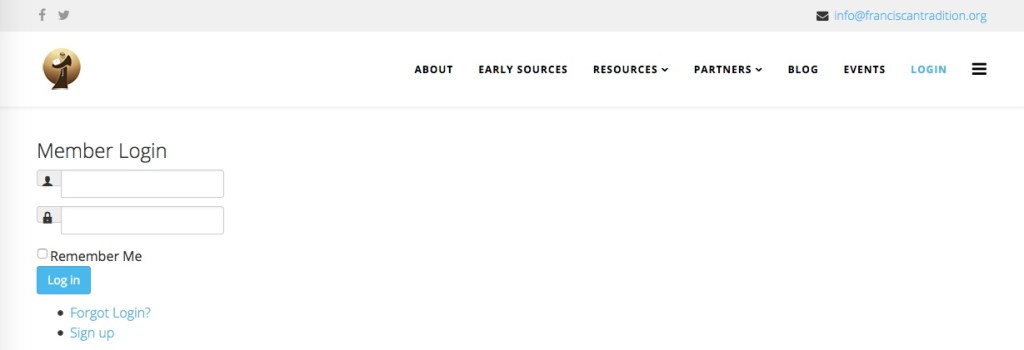
2. Click ‘LOGIN’ on the top. You will see this screen:
3. Click ‘Sign up’. You will see this screen:
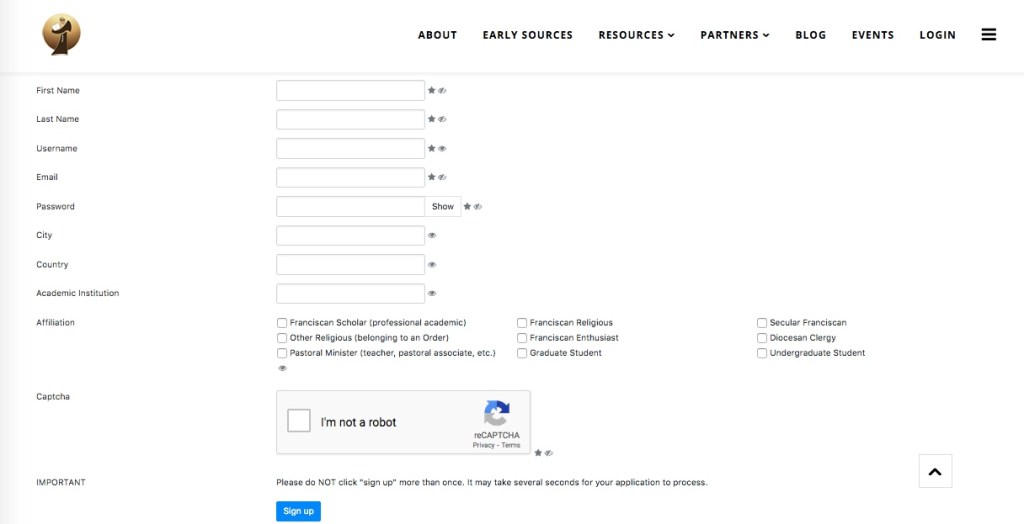
4. Fill in your details. You will need to choose a username and a password yourself. The password should be at least six letters long, with one number, and a mix of uppercase and lowercase letters. (E.g. Flowers10)
5. Check your email. You will receive an email from ‘Franciscan Intellectual Tradition’ asking you to complete your registration. Click the link in this email to confirm your registration. It will take you back to the http://www.francsicantradition.org website and tell you that you can now login.
6. Login to the website using the username and password you chose.
7. Click on ‘Early Sources’. You will see this screen:
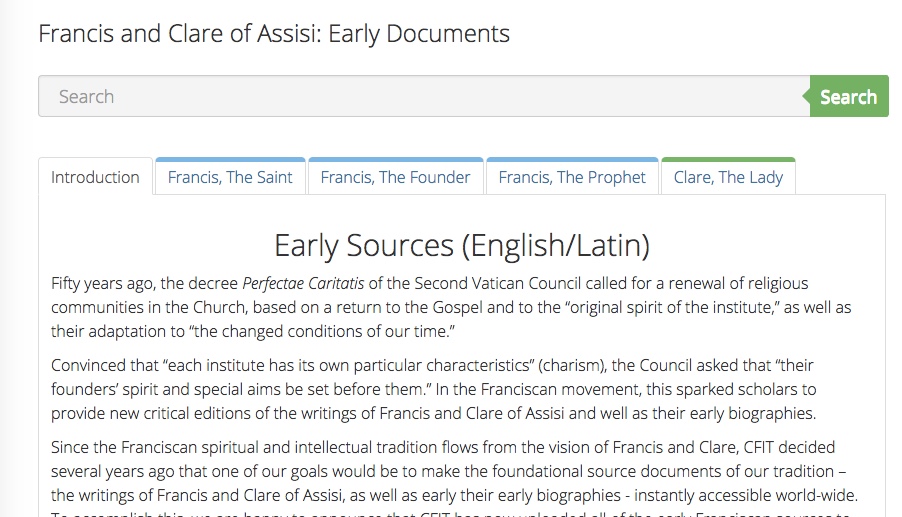
8. The readings for Tuesday you will find listed under the green tab ‘Clare, The Lady’. The readings for Thursday by St Francis are listed under the second tab on the left ‘Francis, the Saint’, and the reading by St Clare is listed under the tab ‘Clare, The Lady’. You can also use the search bar at the top to look for the readings.
 Franciscan Studies Summer School 2025